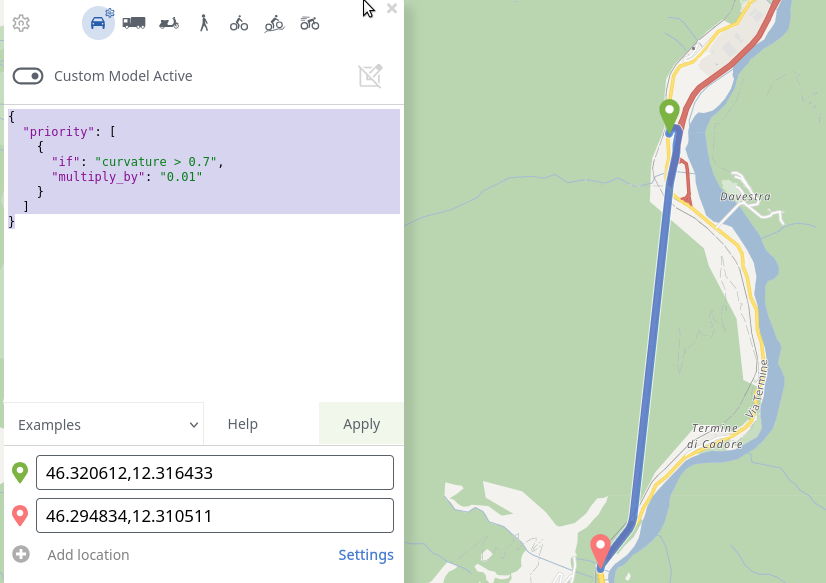
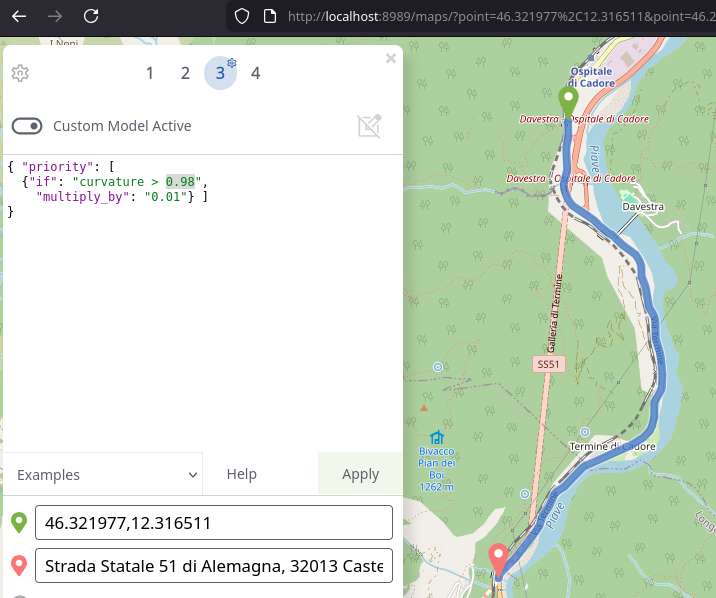
Hi, I need some help to understand curvature. Although I can get expected results on some routes (example here ) on others I can’t seem to make it working as expected.
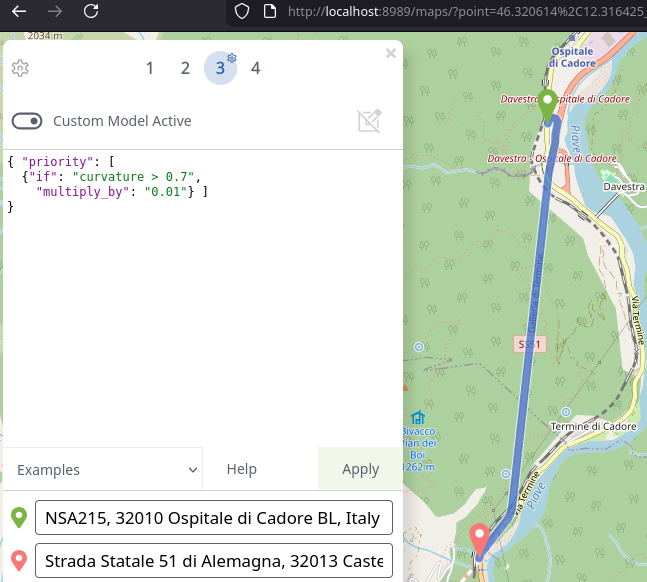
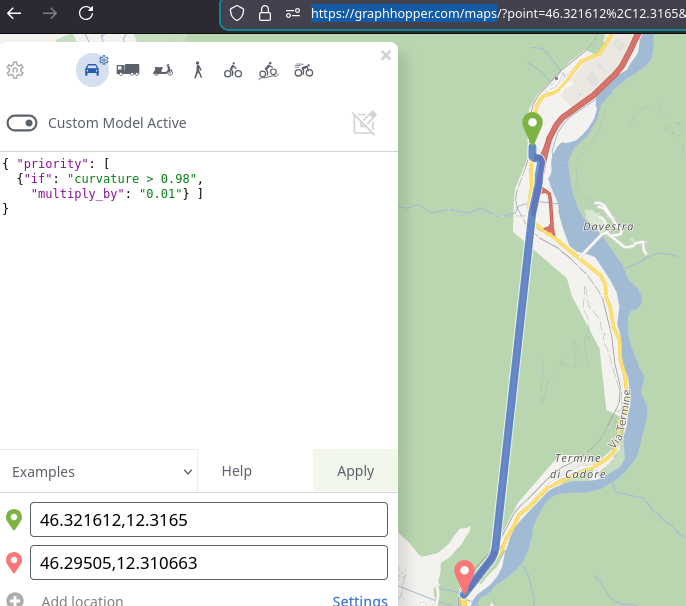
In this example I’m using the below custom model, but no matter how I change the values I can’t seem to have graphhopper to prefer the twisting road by the river over of the straighter one (primary way):
Oh, this is a bug. The problem comes from the fact that for beeline we currently ignore elevation which should not be. Have fixed in master and will be deployed soonish.
@karussell I’ve downloaded master.zip, compiled into 0.12-Snapshot and tested but I’m getting the same result, i.e. straight gallery is preferred. Am I doing something wrong? Or maybe the change is not in yet?